Monitoring & Productivity
Real-time activity, screenshots, recordings, app & web usage, location and data-loss prevention — the live picture across every device, with the analytics to act on it.
- 14-day free trial
- No credit card
- One workspace, one bill
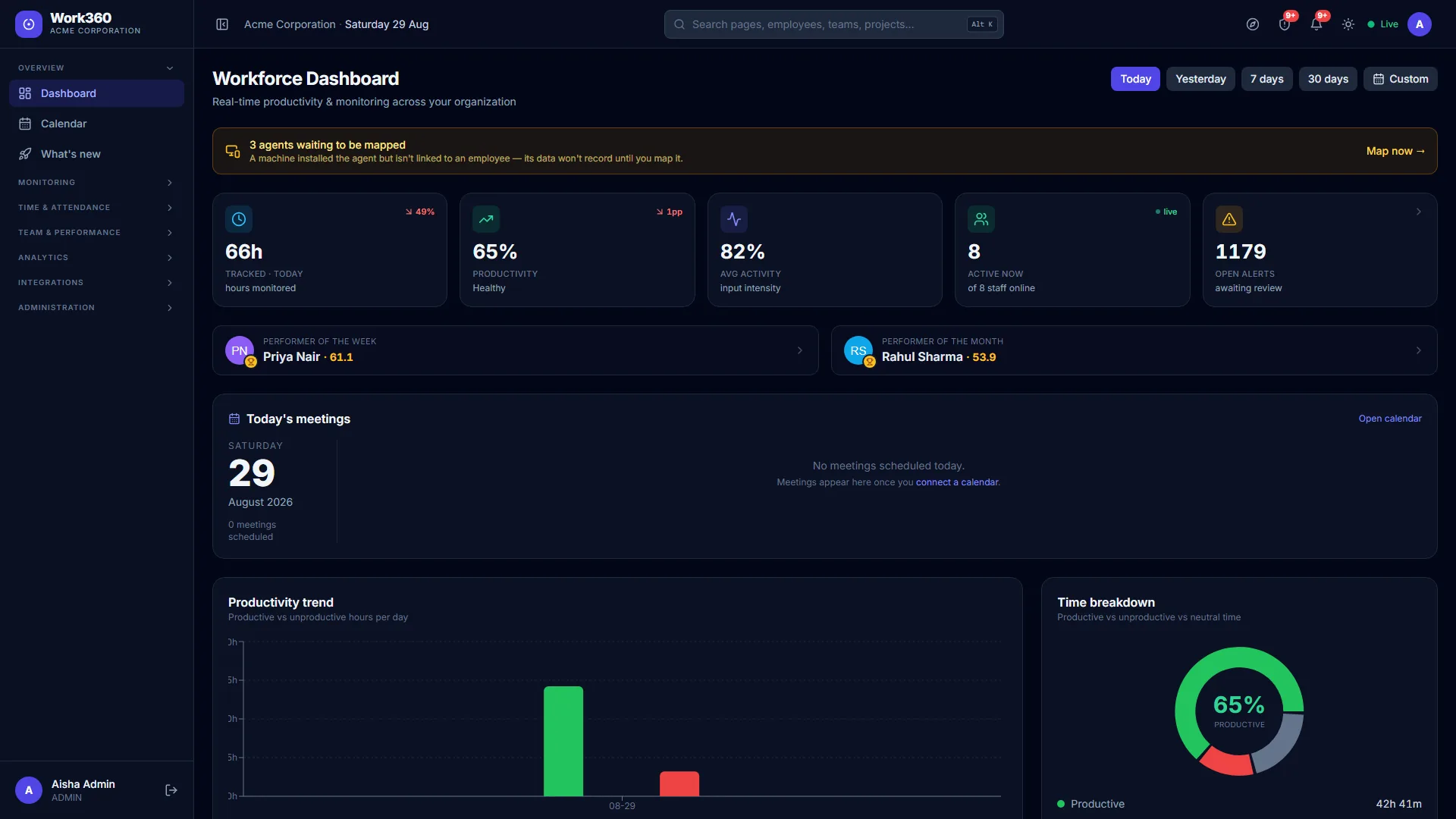
What Monitoring & Productivity does for you
A lightweight desktop agent turns every working session into a live, honest picture: active and idle time, the apps and sites in use, periodic screenshots and low-fps recordings — streamed to the dashboard in seconds, not batched overnight.
On top of that signal sit the controls a security team needs: data-loss prevention that can alert or hard-block USB, print and websites, real-time alerts, precise location with geofences, and an insider-risk score that combines DLP, tamper and after-hours behaviour into one number.
- Productivity analytics & leaderboards
- Screenshots & screen recording
- App & website usage, auto-classified
- Data-loss prevention: alert or enforce
- Live location & geofencing
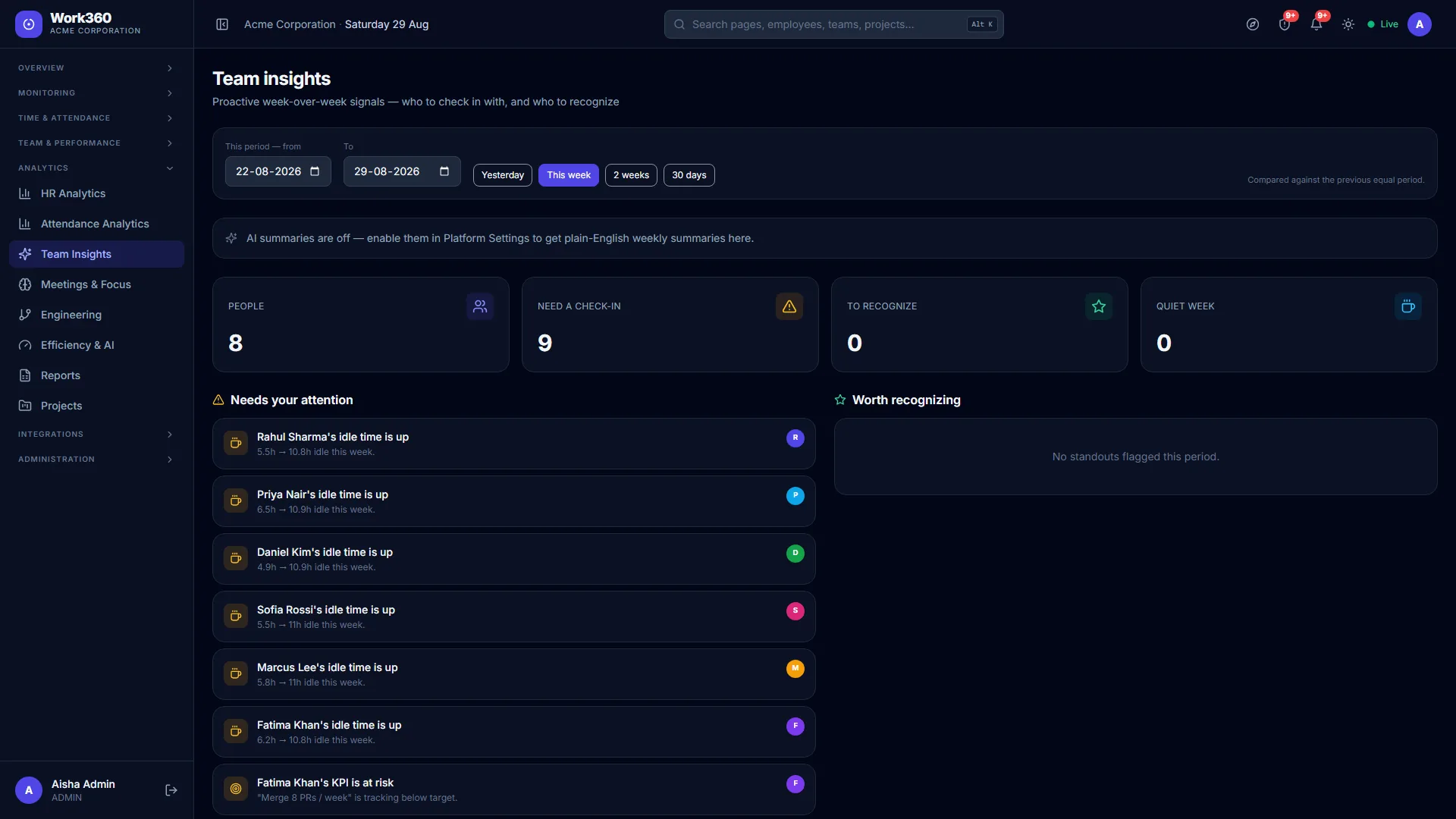
- Real-time alerts & AI insights
- USB copy blockedDLP · 2 min ago
- After-hours loginAlert · 18 min ago
- All agents reportingFleet · live
Everything in Monitoring & Productivity
The building blocks of the module, and what each one gives you.
Productivity analytics
Live KPIs, trends and fair leaderboards across the team.
- Today / 7-day / 30-day views
- Per-employee drill-down
- Productive vs unproductive time
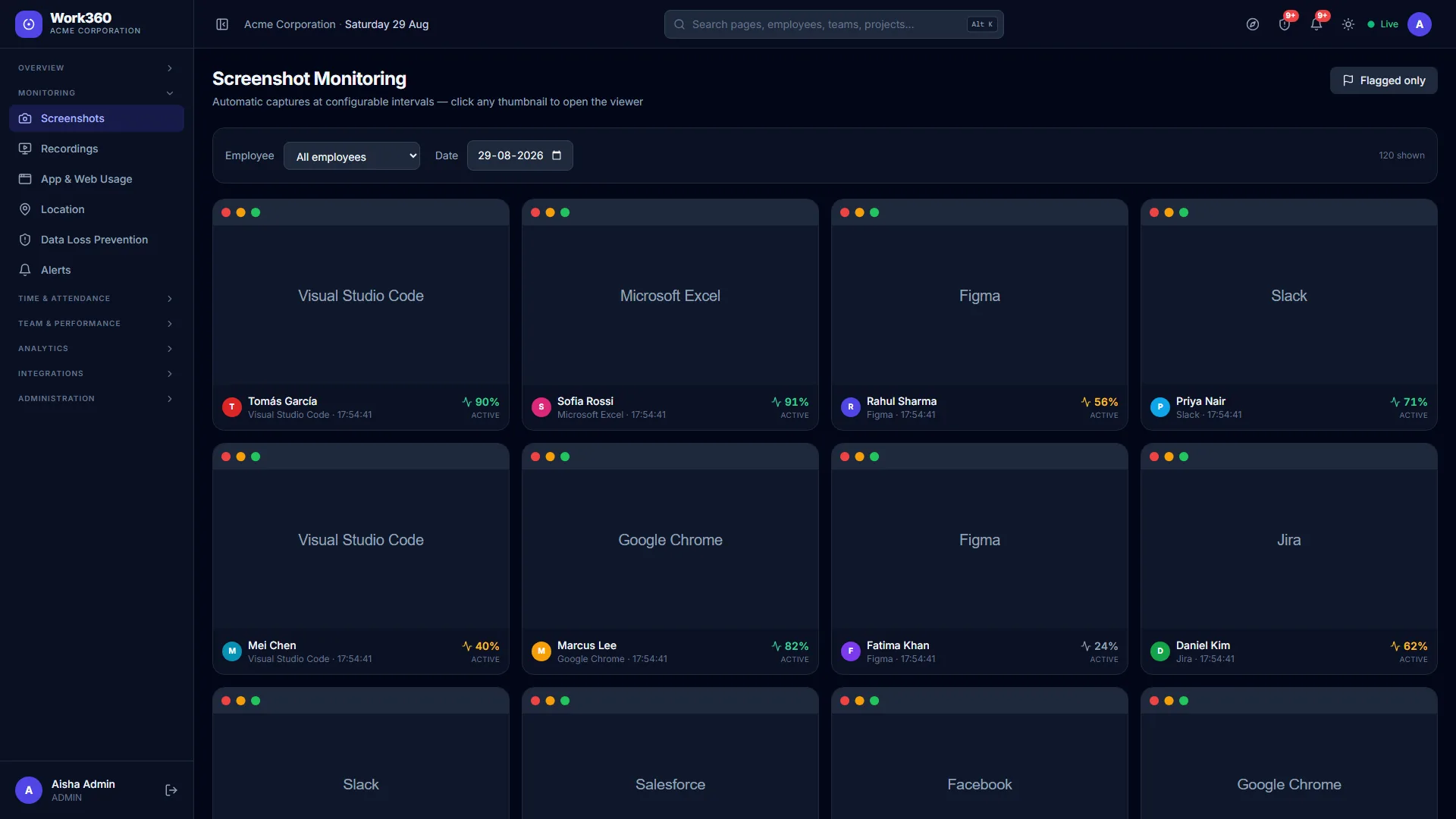
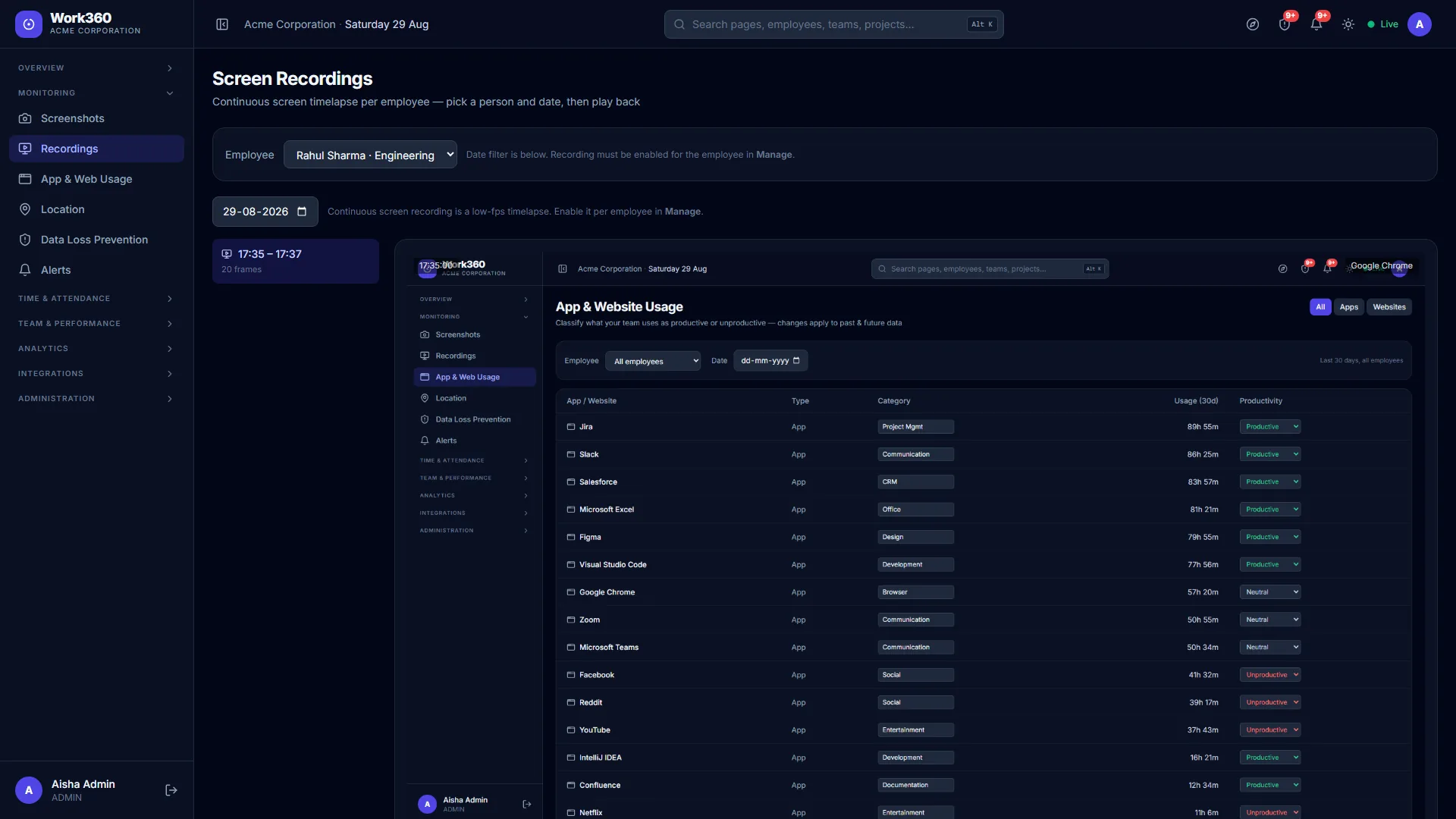
Screenshots & recordings
Interval captures and day timelapses, privacy-blurred by default.
- Configurable cadence
- One-click flagging
- On-demand live screen
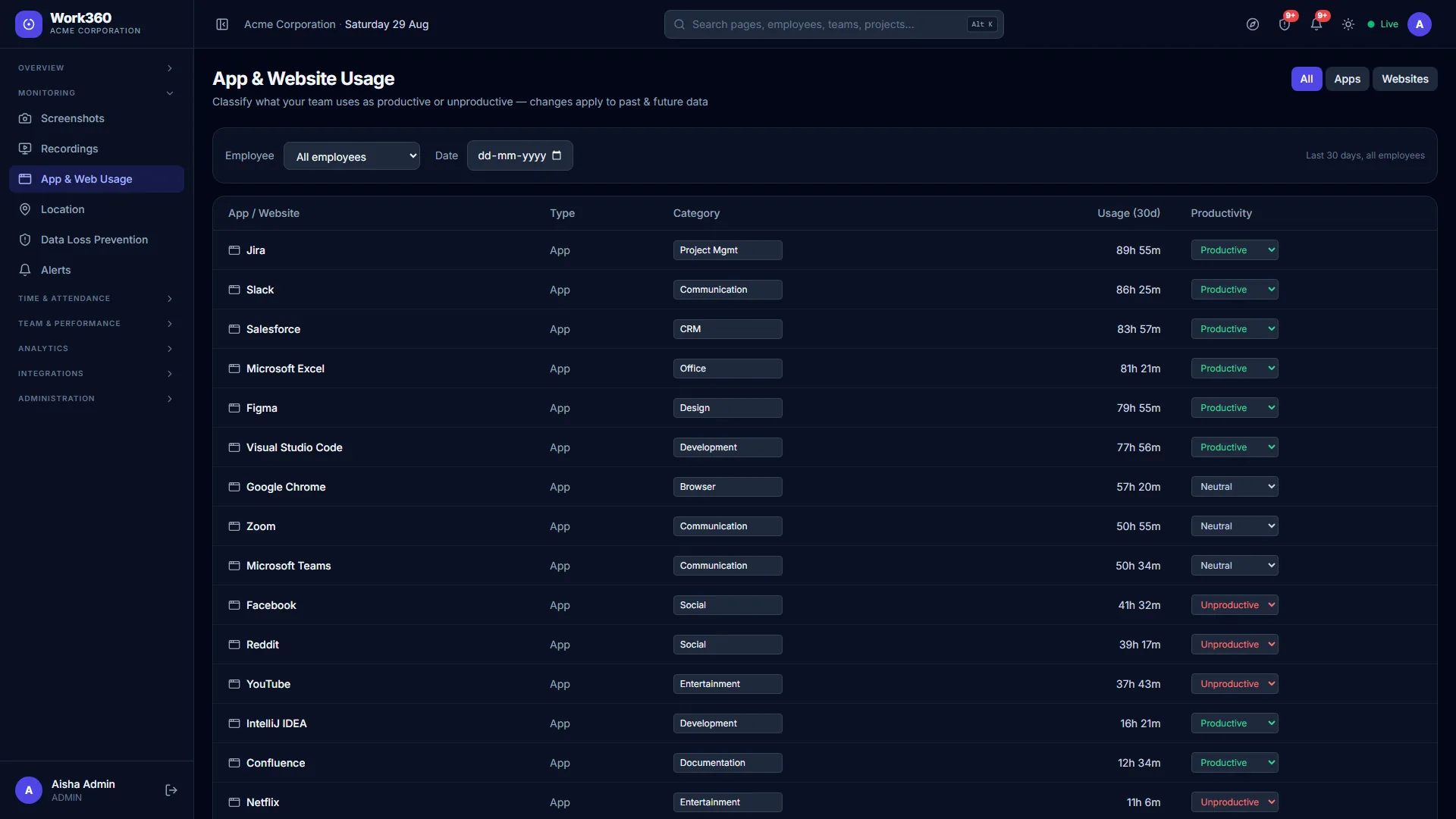
App & website usage
Every app and site auto-classified, with your own rules.
- Team-scoped overrides
- Top apps & sites
- Metadata, never content
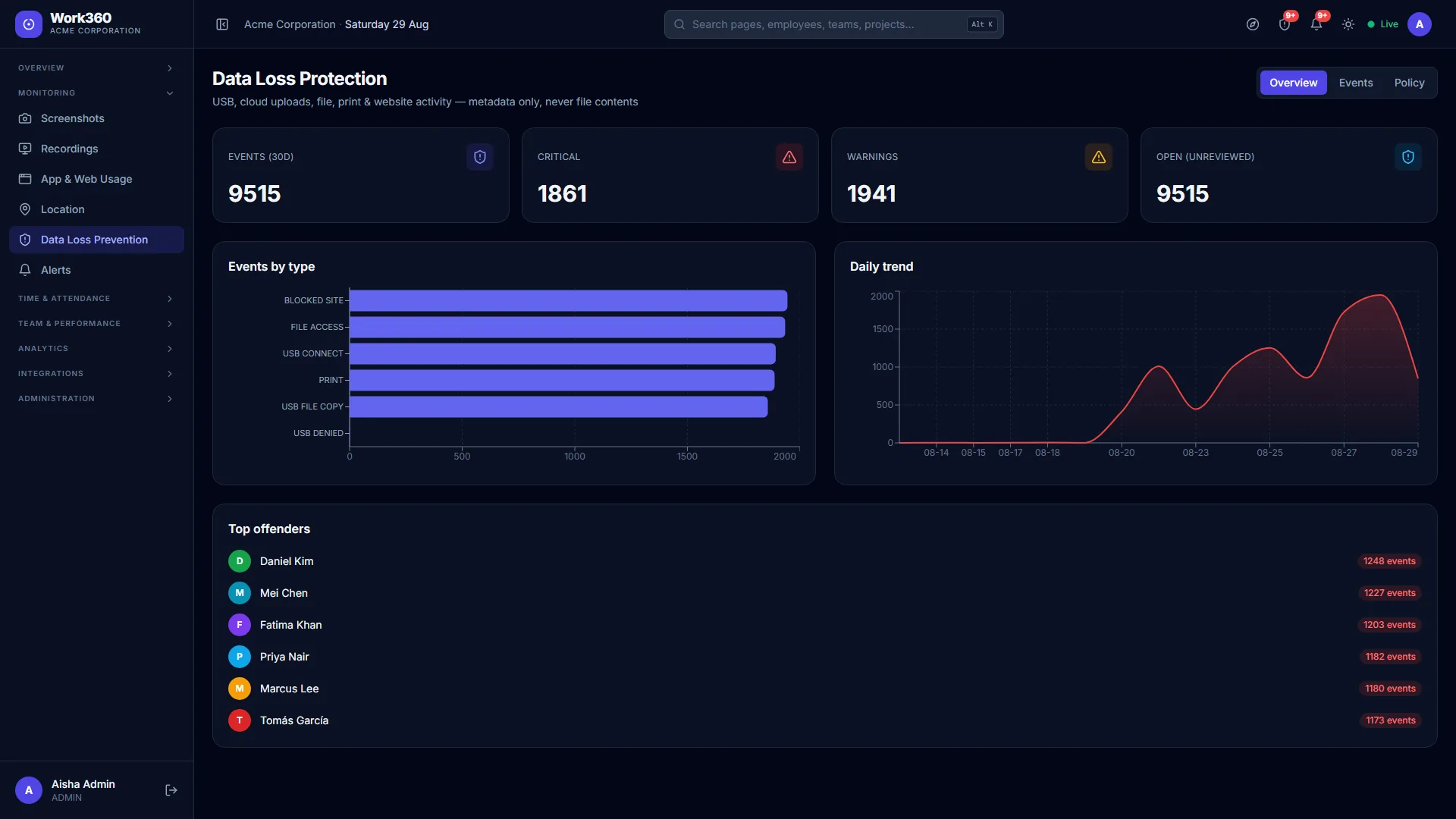
Data-loss prevention
Alert or enforce on the actions that leak data.
- USB & removable storage
- Print monitor & block
- Website blocking
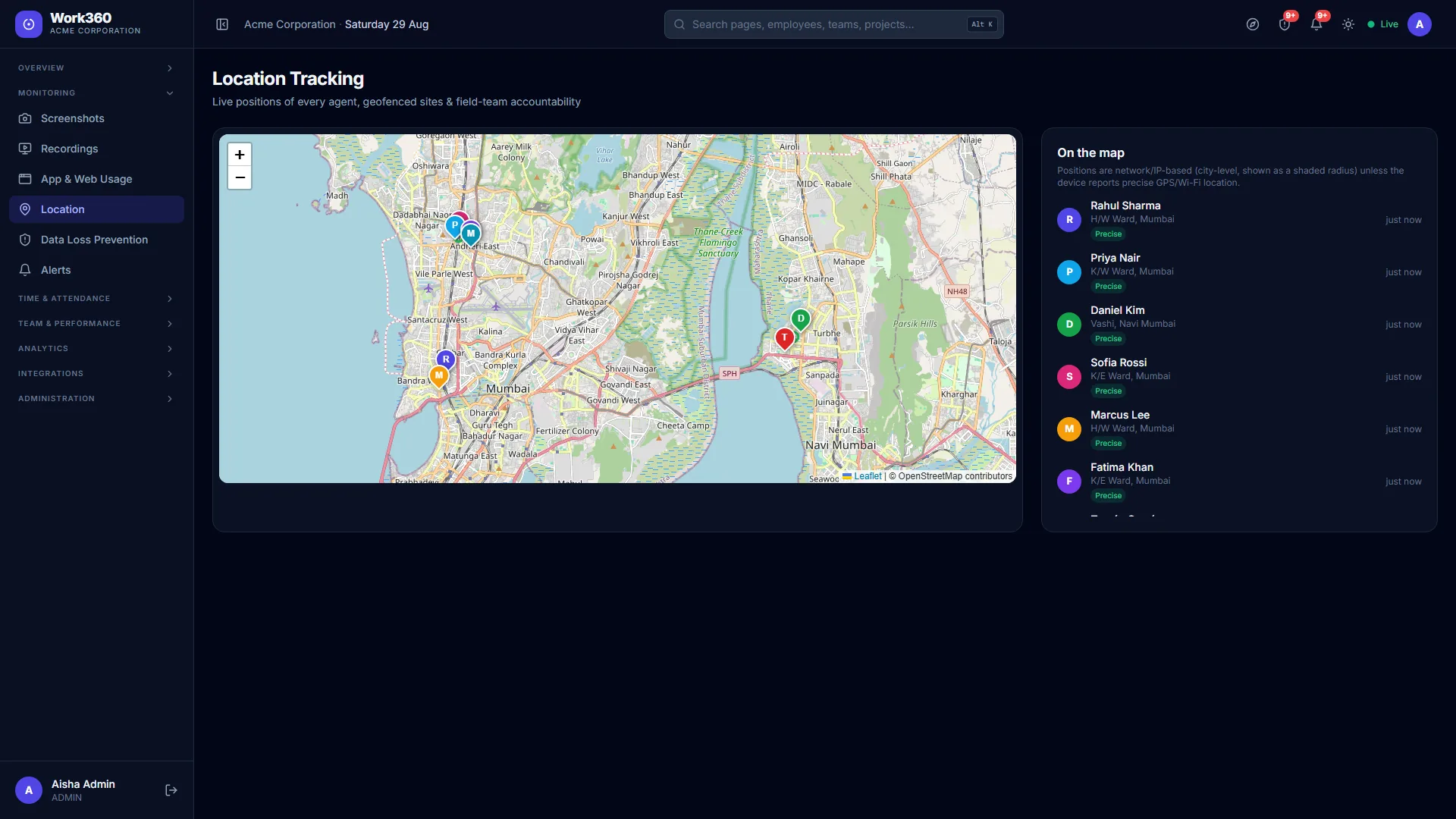
Location & geofencing
Honest accuracy labels and arrival/departure events.
- Live map & route replay
- Time per job site
- Consent-based
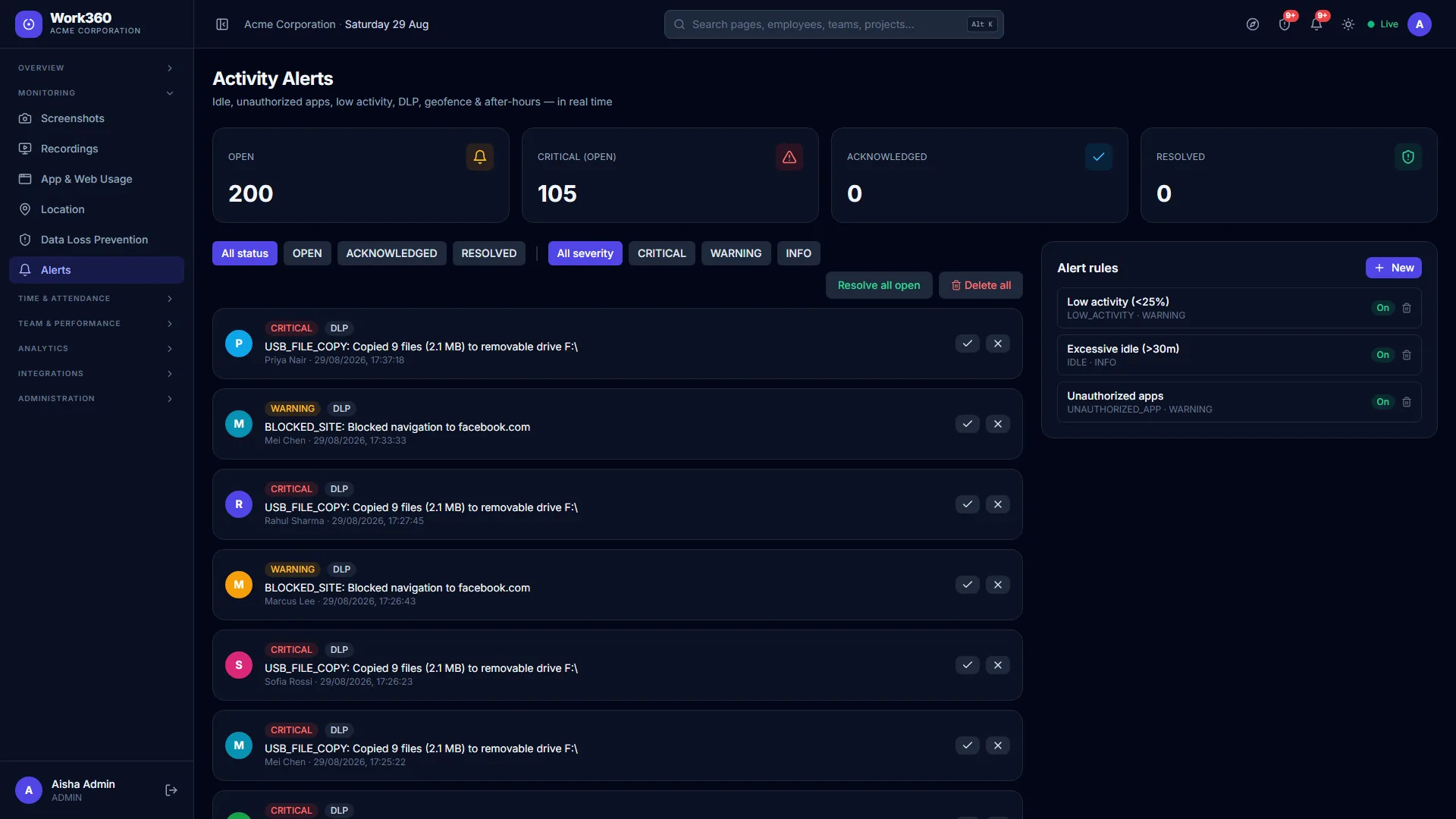
Alerts & insider risk
Real-time rules plus a nightly 0–100 risk score.
- Tamper & after-hours alerts
- Webhooks to Slack / Teams
- Severity levels
Up and running in four steps
- 1
Deploy the agent
One installer per machine; it maps itself to the employee.
- 2
Capture with consent
Employees accept a transparent monitoring policy first.
- 3
See it live
Activity, apps and screens stream to the dashboard in seconds.
- 4
Act on it
Alerts, DLP enforcement and coaching from real data.
Feature deep-dives
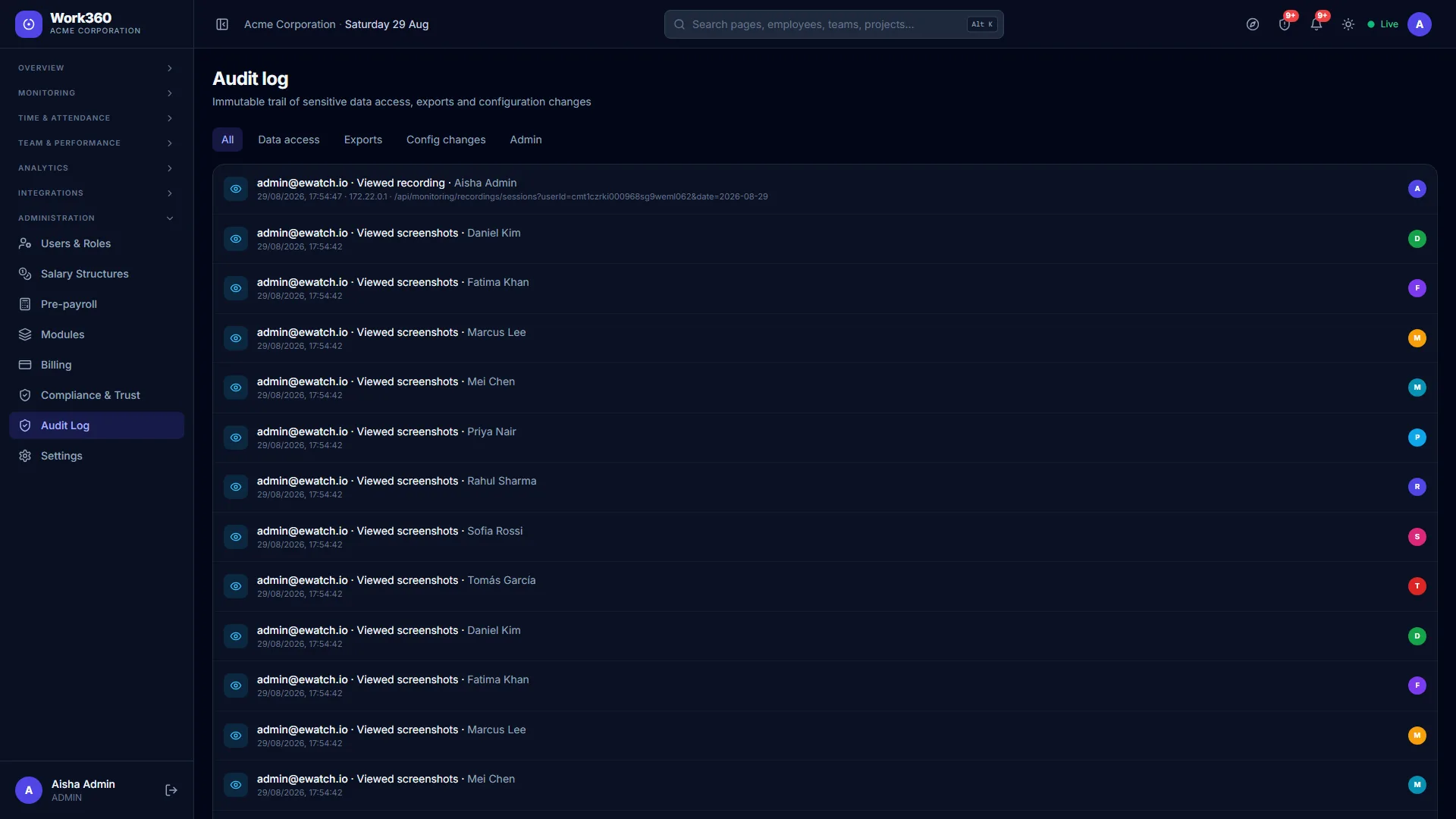
Open any feature for the full detail, with real product screens.
Who uses Monitoring
Know where time goes without chasing status updates.
- Team productivity at a glance
- Fair, data-backed reviews
Stop data leaving and spot risky behaviour early.
- DLP alert or enforce
- Insider-risk scoring
One honest picture of output across every team.
- Org-wide trends
- Exportable reports
Questions about Monitoring
Is monitoring visible to employees?
Yes. Employees accept a monitoring consent policy before anything is captured, and every acceptance is recorded in an auditable consent report.
Does it capture file contents or keystrokes?
No. Work360 records which apps and sites were used and the risky action (for example a USB copy) as metadata — never file contents.
How heavy is the agent?
It is built to be light: low-fps recording, bounded offline storage, and data sent in small batches so it never slows a machine down.
Can we monitor only certain apps?
Yes. App-scoped monitoring lets you track only selected apps and websites instead of the whole system, per org, team or user.
Explore other modules
Start with Monitoring, add the rest as you grow
Switch modules on per seat, in one workspace and one bill. No credit card to start.
Start your free trial