Projects & Work Management
Delivery planned on a board, billed from work that was actually measured.
Jira-style projects with issue keys, a backlog, sprints and an agile board: sitting on top of the same tracked work the rest of Work360 already records, so effort, budget burn and the invoice all come from one number.
- 14-day free trial
- No credit card
- Live in minutes
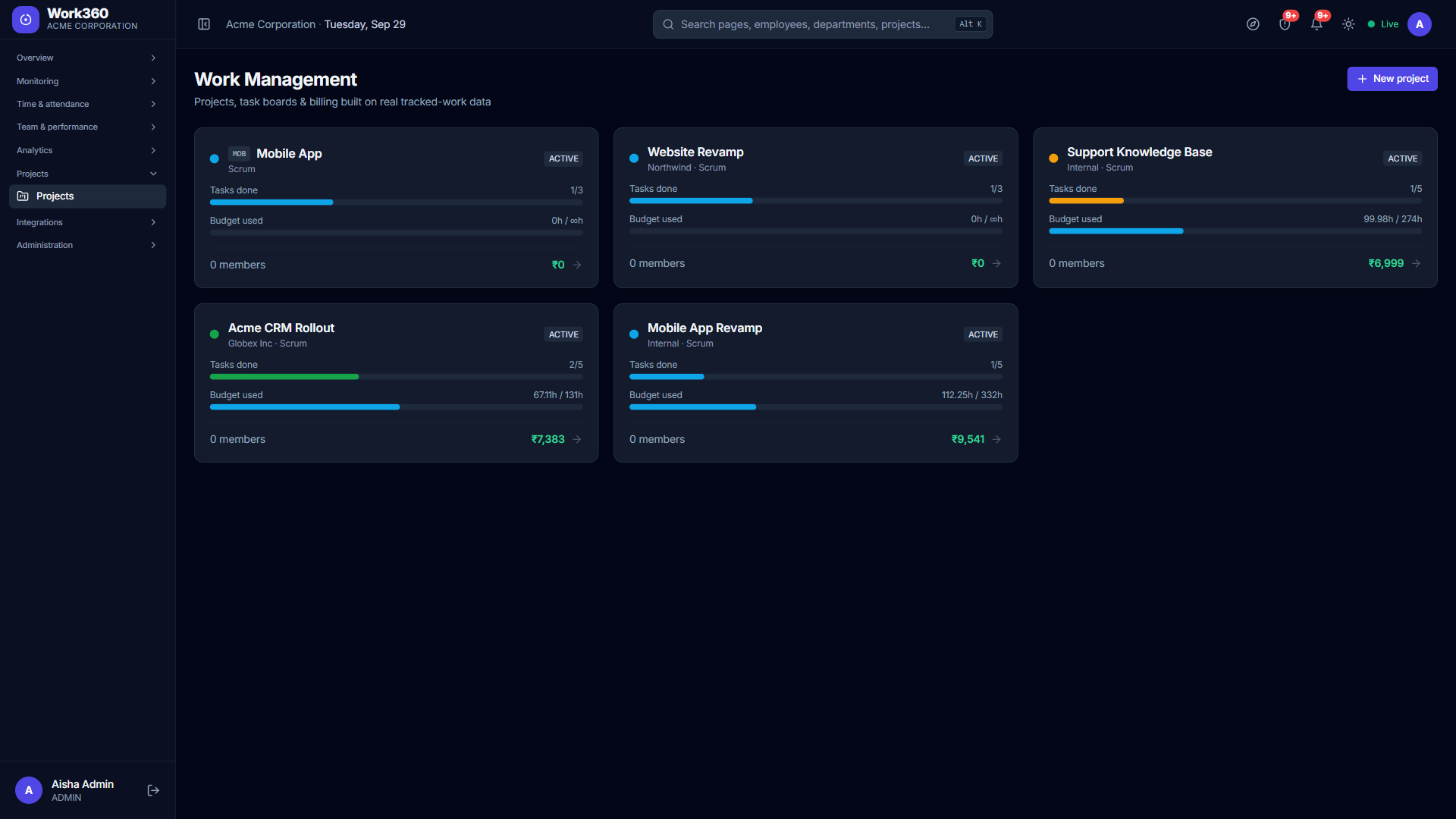
Most project tools bill from whatever someone typed into a timesheet on Friday. Work360 already knows who worked on what and for how long, so a project plan here is attached to measured effort rather than to a recollection. Budget burn moves while the work happens, not at the end of the month.
The board itself is conventional on purpose: issue types and keys, a backlog, sprints you start and complete, drag-and-drop columns, story points, comments and a per-issue activity trail. A team that has used Jira needs no explanation. What is different is where the hours come from.
What you get with Projects & Work Management
6 capabilities, ready out of the box.
- 01
Agile board and backlog
To do, in progress, in review and done, with drag-and-drop ordering, a groomed backlog and issue keys like MOB-1 that people can say out loud.
- 02
Sprints you run properly
Create, start and complete sprints with dates and goals. Work not finished returns to the backlog rather than quietly disappearing.
- 03
Velocity and burndown
Committed against completed story points for the last ten sprints, and a burndown for the active one: built from the board, not maintained by hand.
- 04
Per-issue timers
Start and stop a timer on a card, or let the desktop agent attribute measured work. Either way the hours land against the issue.
- 05
Budget and billing
Hours roll up per project against a budget and a bill rate, so an overrun is visible while there is still time to act on it, and invoices are generated from the same figures.
- 06
Comments and an activity trail
Discussion on the issue, and a record of every status change, assignment and estimate edit, so the history of a decision survives the people who made it.
Who relies on projects & work management
See progress and blockers at a glance.
- Boards & WIP limits
- Overdue alerts
Know exactly what to work on next.
- My Work view
- Subtasks & checklists
Bill accurately from real hours.
- Billable rollups
- Client invoicing
- Role-based access
- SSO & SAML
- Tenant isolation
- Full audit trail
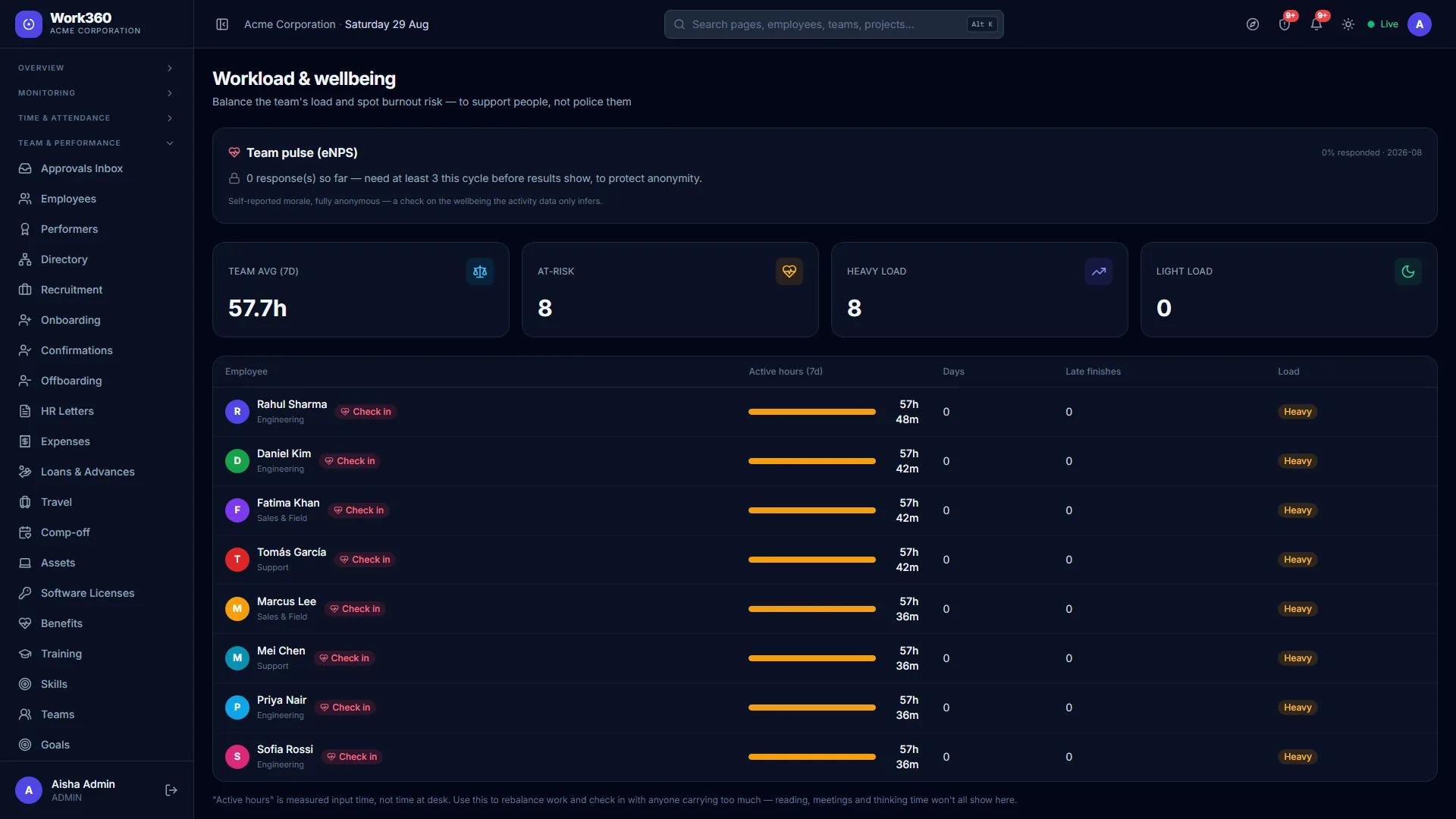
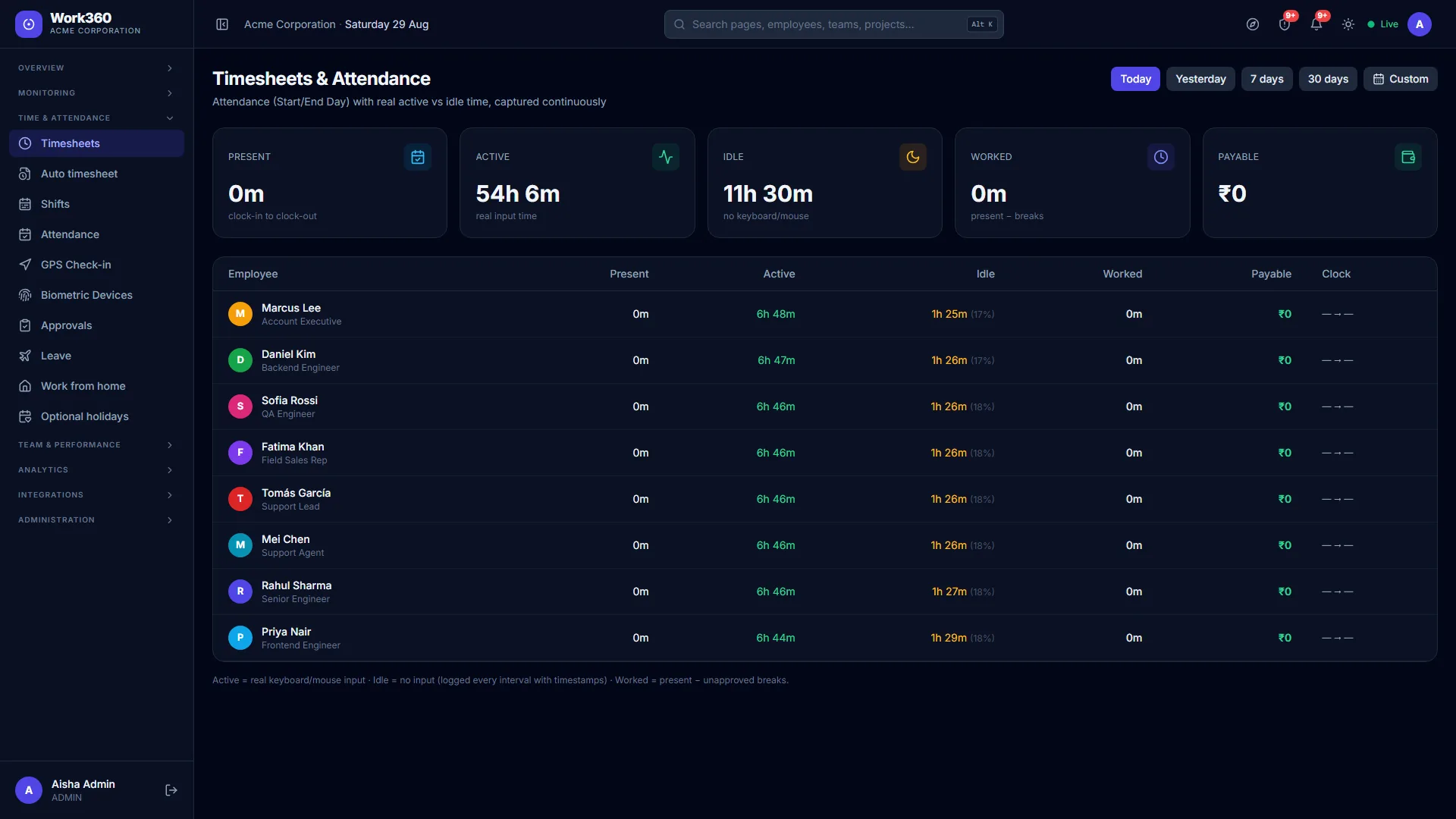
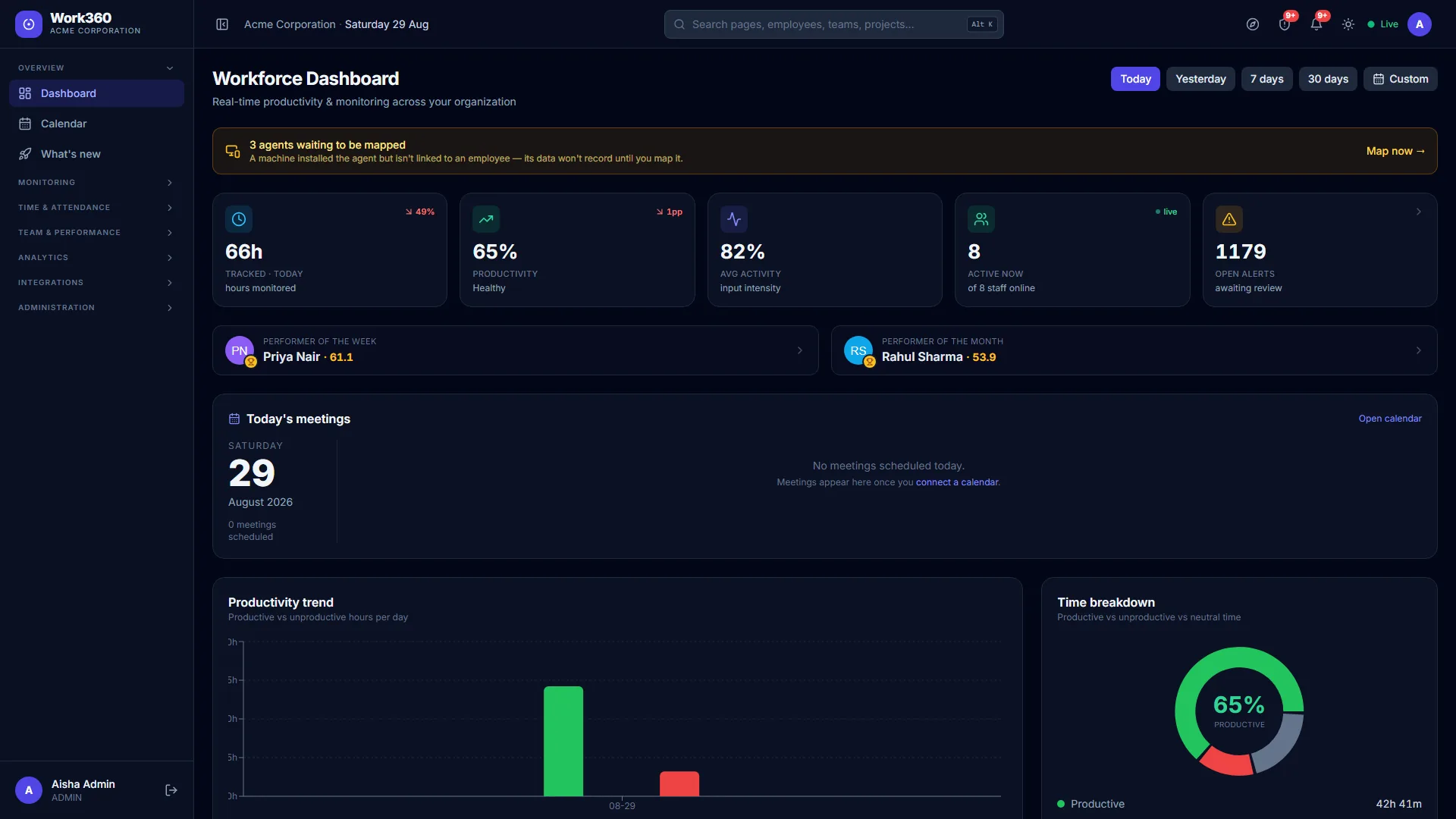
Ready to see projects & work management in action?
Start a free trial and put Work360 to work across your team in minutes. No credit card to start.