Screenshot Monitoring
Proof of work, with privacy built in.
Automatic, periodic screenshots organized by employee and time, with privacy blur, one-click flagging and a fast full-screen viewer.
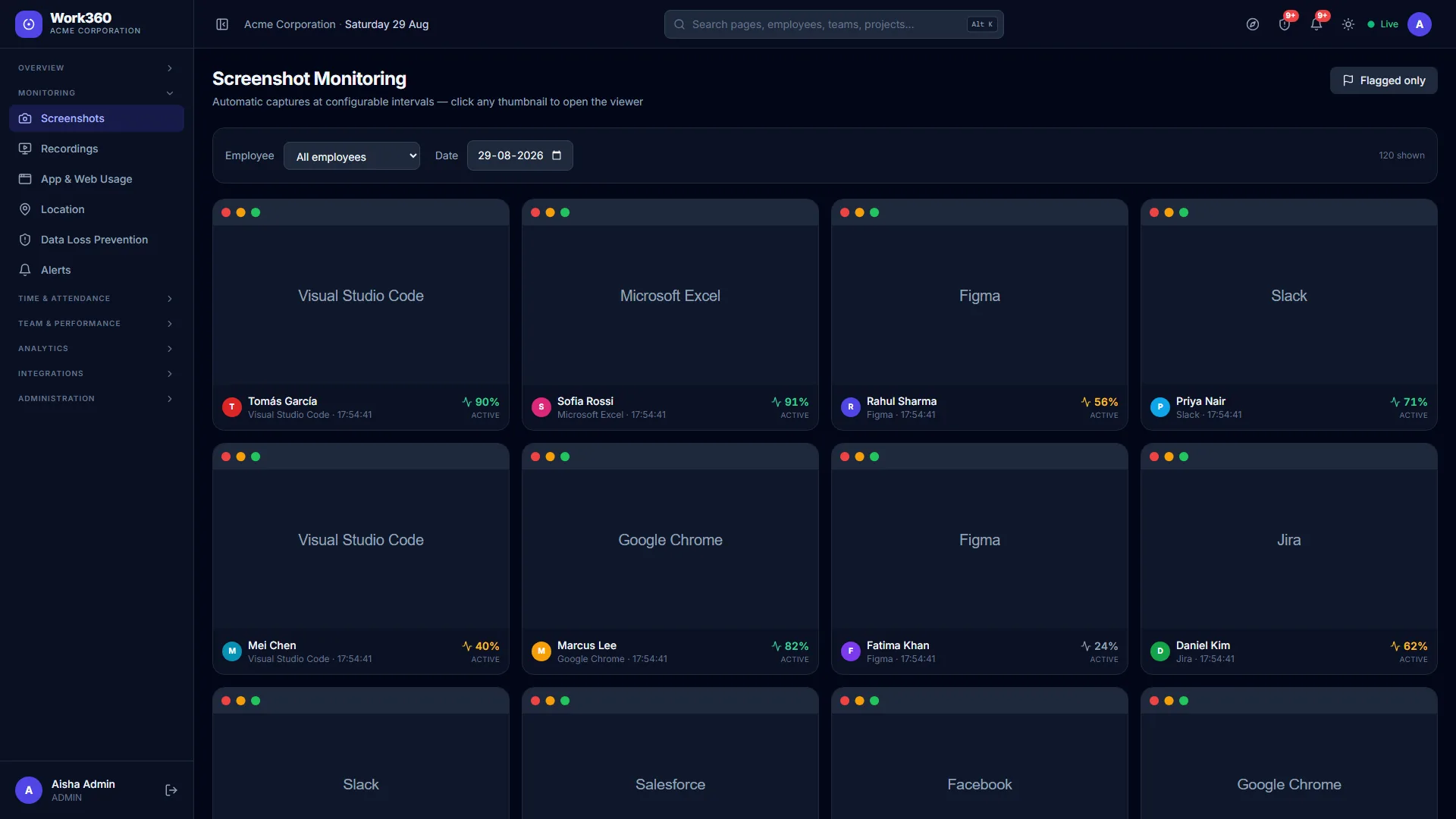
Work360 captures screenshots at an interval you control and files them by person and date. Open any one full-size to confirm activity, or filter to just the flagged ones for review.
Privacy comes first: screenshots can be blurred by default so you verify activity without reading sensitive content, and the whole feature is governed by the consent policy your employees acknowledge.
Everything included
6 capabilities, out of the box, with no add-ons, no extra licences.
Interval capture
Configurable cadence per plan, from every few minutes to lighter sampling.
Privacy blur
Blur by default so activity is confirmed without exposing content.
One-click flagging
Mark anything that needs a closer look for review.
Full-screen viewer
Open, zoom and step through captures in a fast in-browser viewer.
Filter by employee & date
Jump straight to the person and day you care about.
Activity % overlay
Each capture shows the input-activity level at that moment.
Related features
Ready to see screenshot monitoring in action?
Start a free trial and put Work360 to work across your team in minutes. No credit card to start.