FileSafe Sealed Folders
A folder that stays where you put it.
Mark a folder as sealed and Work360 enforces it on the endpoint: the operating system blocks the copy, removable storage is refused, and every attempt is written to the audit trail.
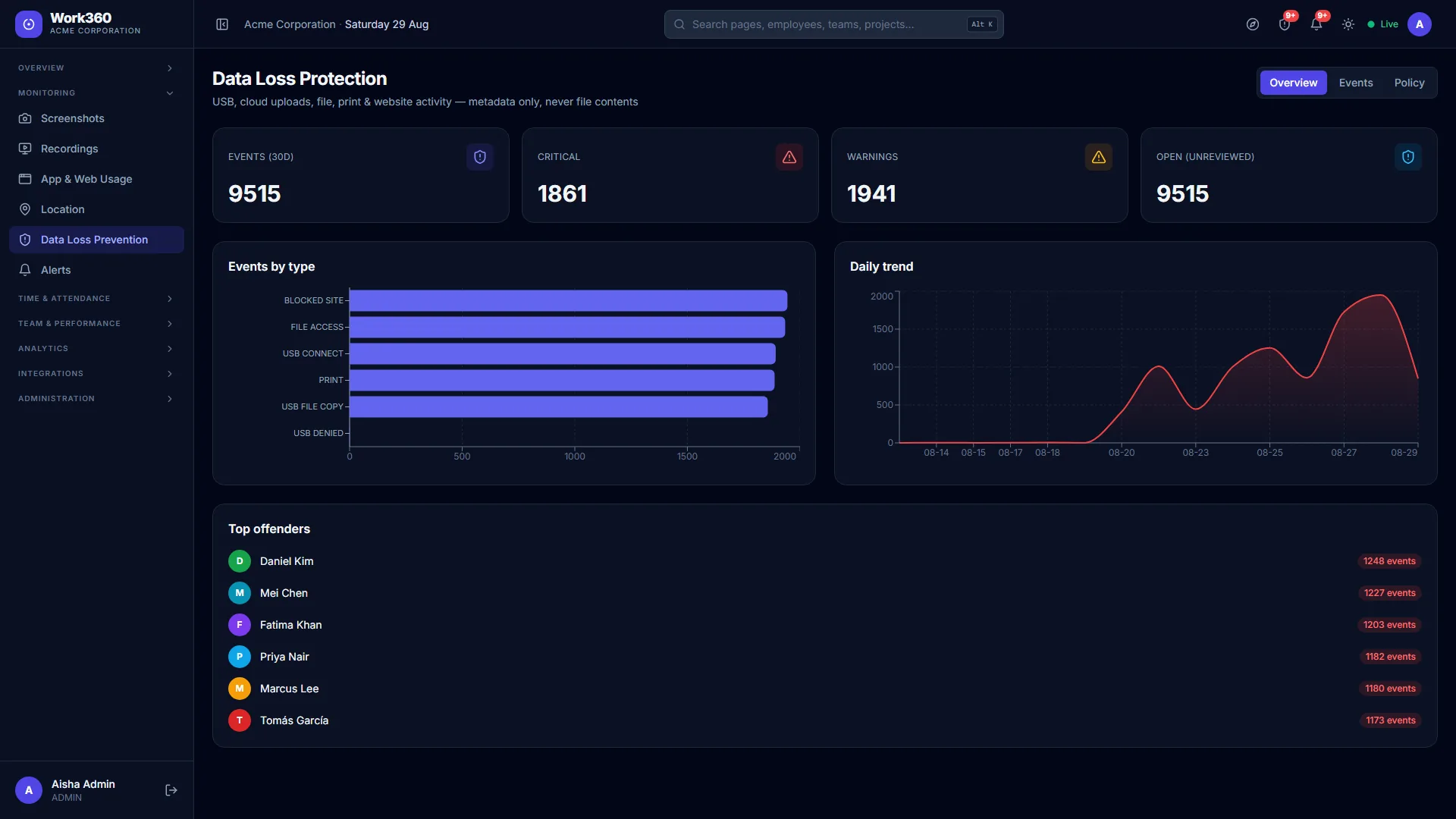
Policy documents tell people not to copy client files to a USB stick. FileSafe makes the copy fail. Protection is applied by the agent as a filesystem access-control lock, so it holds whether or not anyone is watching a dashboard at the time.
It is deliberately honest about its limits. FileSafe covers the sealed folder, not the whole disk, and the product documentation says exactly what it does and does not stop, because a security control that is oversold is worse than one that is understood.
Everything included
6 capabilities, out of the box, with no add-ons, no extra licences.
Sealed by ACL
The folder is locked at the filesystem level by the agent, so the block happens in the operating system rather than in a UI.
Removable storage refused
Copying a sealed file to a USB device is blocked at the point of the copy, not reported afterwards.
Every attempt audited
Blocked copies are written to the audit trail with the file, the device and the person.
Visible on the folder
Sealed folders carry a Work360 badge in the file explorer, so nobody is surprised by a block.
Survives a restart
The seal is re-applied by the agent on boot; it is not a session-only setting.
Honest about scope
Covers the sealed folder. The documentation states the limits plainly rather than implying whole-disk protection.
Related features
Ready to see filesafe sealed folders in action?
Start a free trial and put Work360 to work across your team in minutes. No credit card to start.