HRMS & Payroll
Attendance, shifts and leave through onboarding, pre-payroll, performance and self-service — the whole employee lifecycle in one place, payroll-ready.
- 14-day free trial
- No credit card
- One workspace, one bill
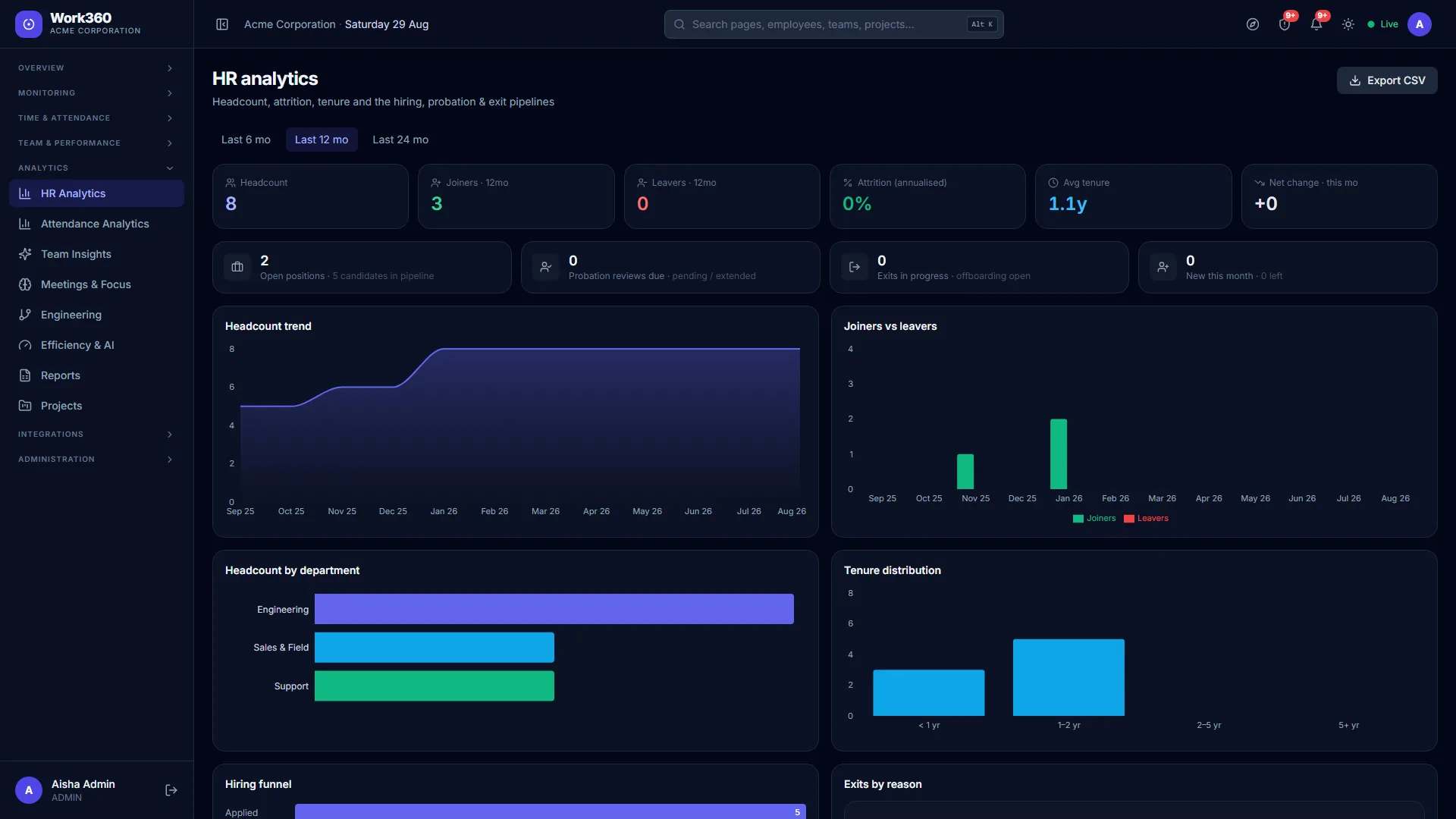
What HRMS & Payroll does for you
Work360 HRMS covers the whole employee lifecycle in the same workspace as monitoring: recruitment and onboarding, attendance from biometric devices, the laptop or geofences, shifts, leave and comp-off, through to exit and final settlement.
Pre-payroll does the heavy lifting — attendance, leave, overtime, expenses and loans roll into payroll-ready figures with statutory PF, ESI and TDS — while KRAs, goals, 360° reviews and competencies give performance a fair, data-backed footing.
- Attendance, shifts & leave
- Onboarding, exit & documents
- Pre-payroll, expenses & loans
- Appraisals, goals & training
- Service desk & workplace booking
- Recruitment & careers page
- Payroll inputs readyPre-payroll · today
- 3 leave requests pendingApprovals
- Q4 reviews due FridayPerformance
Everything in HRMS & Payroll
The building blocks of the module, and what each one gives you.
Attendance & shifts
Capture from biometric, the laptop or geofence, in your priority order.
- Start-Day prompt with location
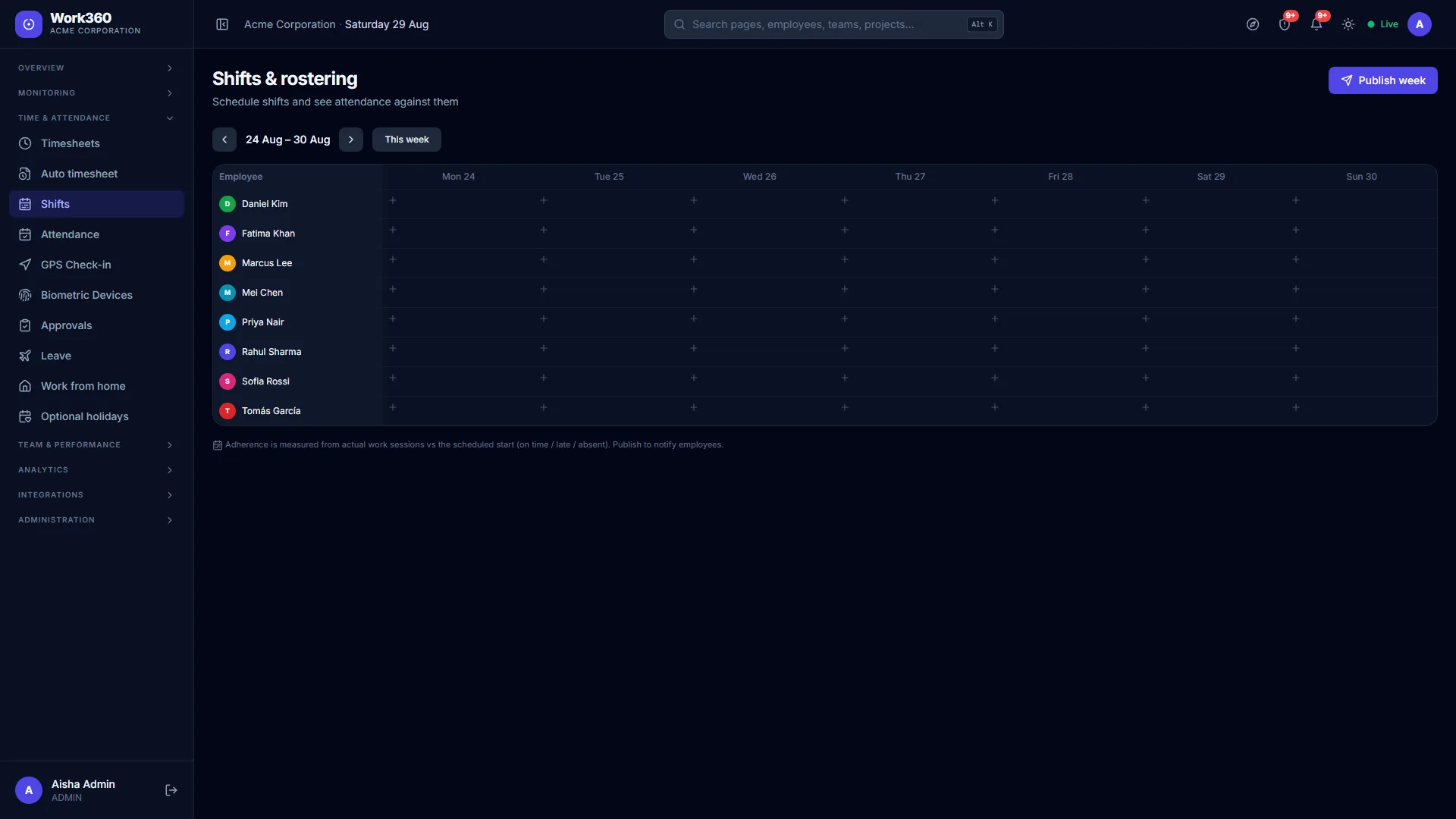
- Shift rules, late & overtime
- Per-team capture overrides
Leave & time off
Policies, balances and approvals that run themselves.
- Leave, WFH & comp-off
- Floating holidays
- Approval inbox
Pre-payroll
Everything payroll needs, calculated and checked.
- PF / ESI / TDS
- Expenses, loans & travel
- Payslips & bank file
Onboarding & exit
Invites, consent and self-onboarding through to clearance.
- Bulk Excel invites
- Documents & letters
- Exit clearance checklist
Performance
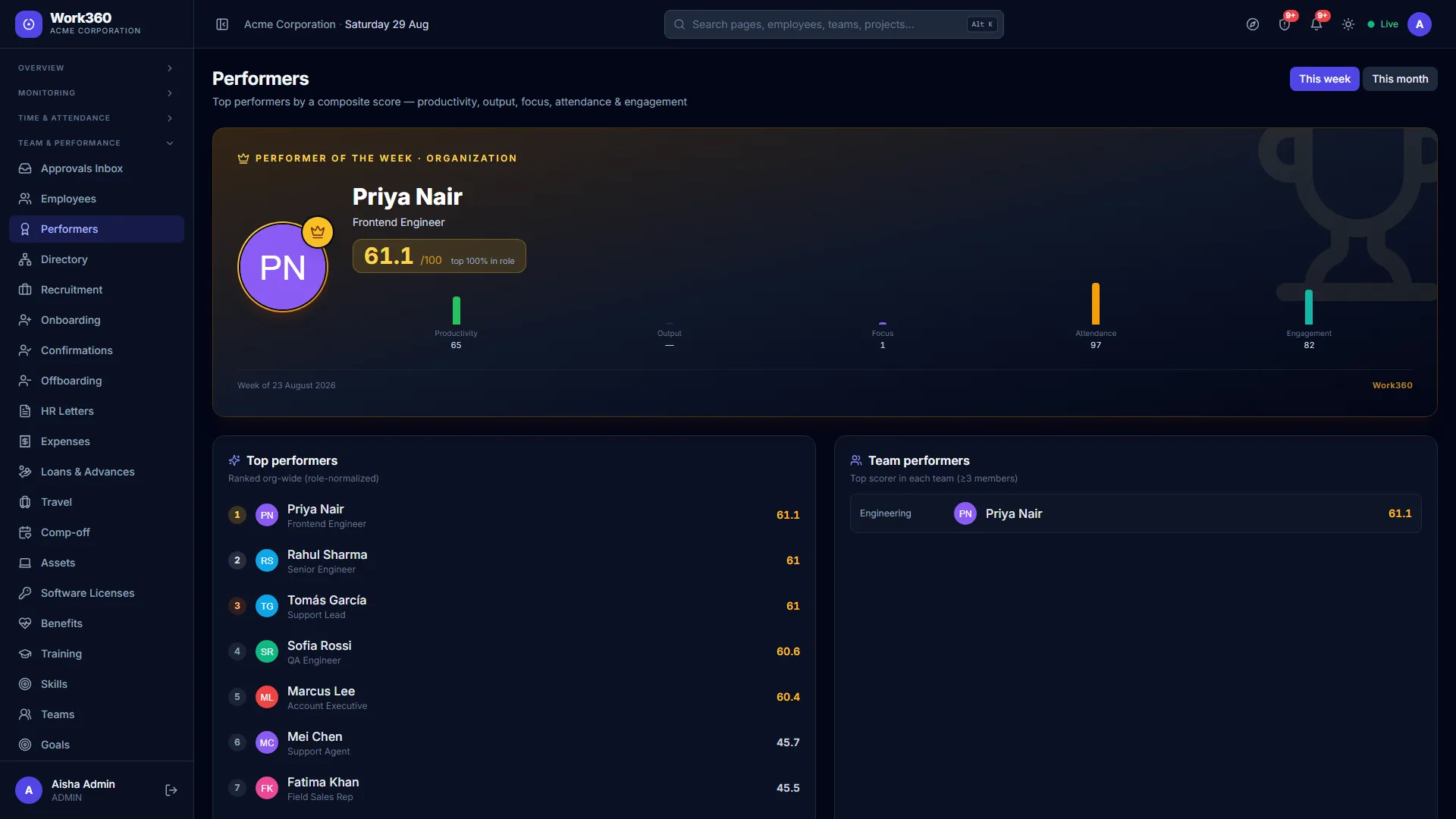
Weighted KRAs and goals roll up into a fair evaluation score.
- 360° peer feedback
- Competency frameworks
- Review PDF export
Service desk & workplace
HR help desk, grievances, bookings and visitors.
- Ticketing with SLAs
- Desk & room booking
- Visitor management
Up and running in four steps
- 1
Import your people
Bulk-invite from Excel; employees self-onboard securely.
- 2
Set your policies
Shifts, leave, capture sources and approval chains.
- 3
Run the month
Attendance, leave and expenses flow in automatically.
- 4
Close payroll
Payroll-ready figures with statutory deductions, in minutes.
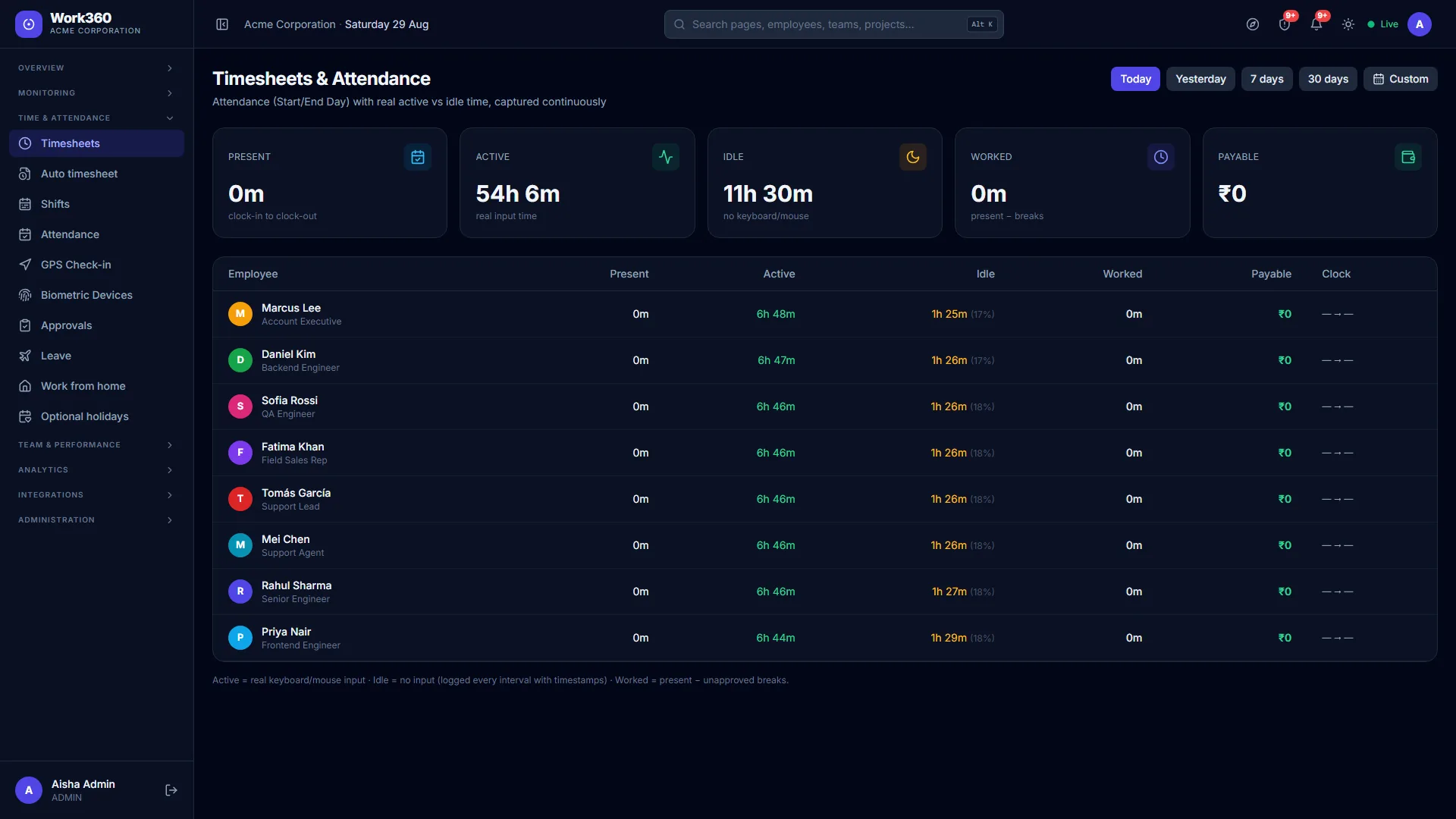
Feature deep-dives
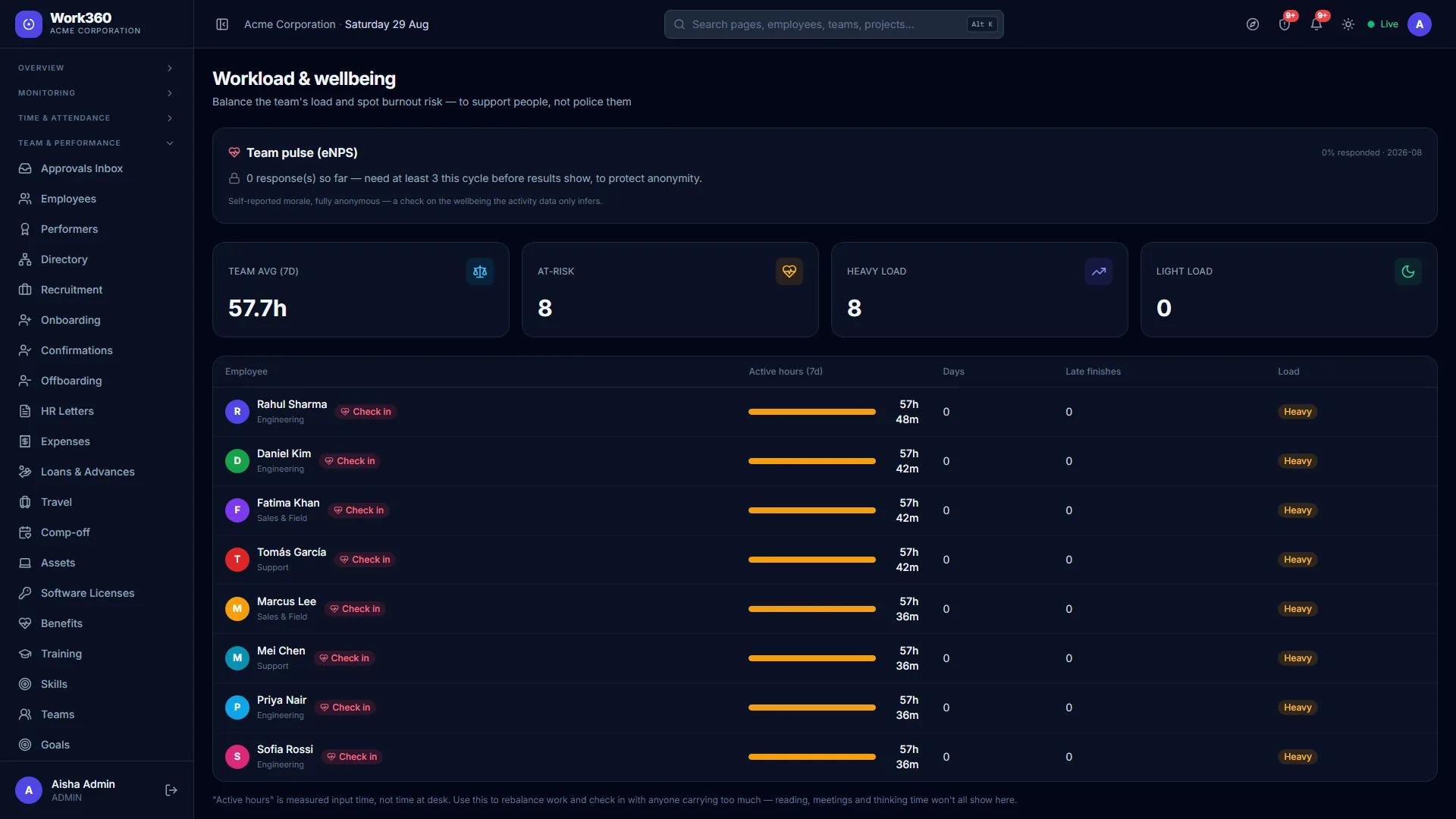
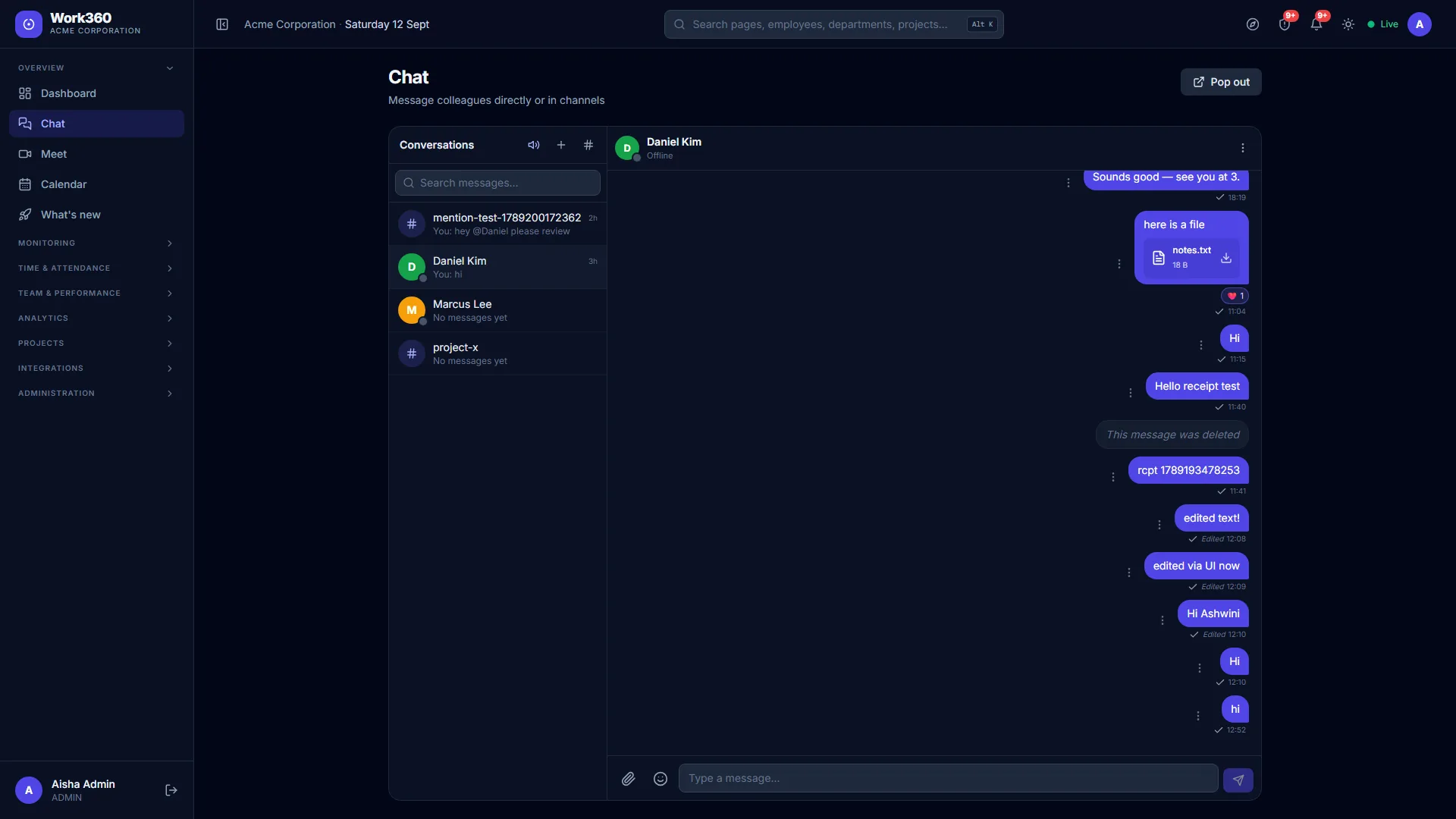
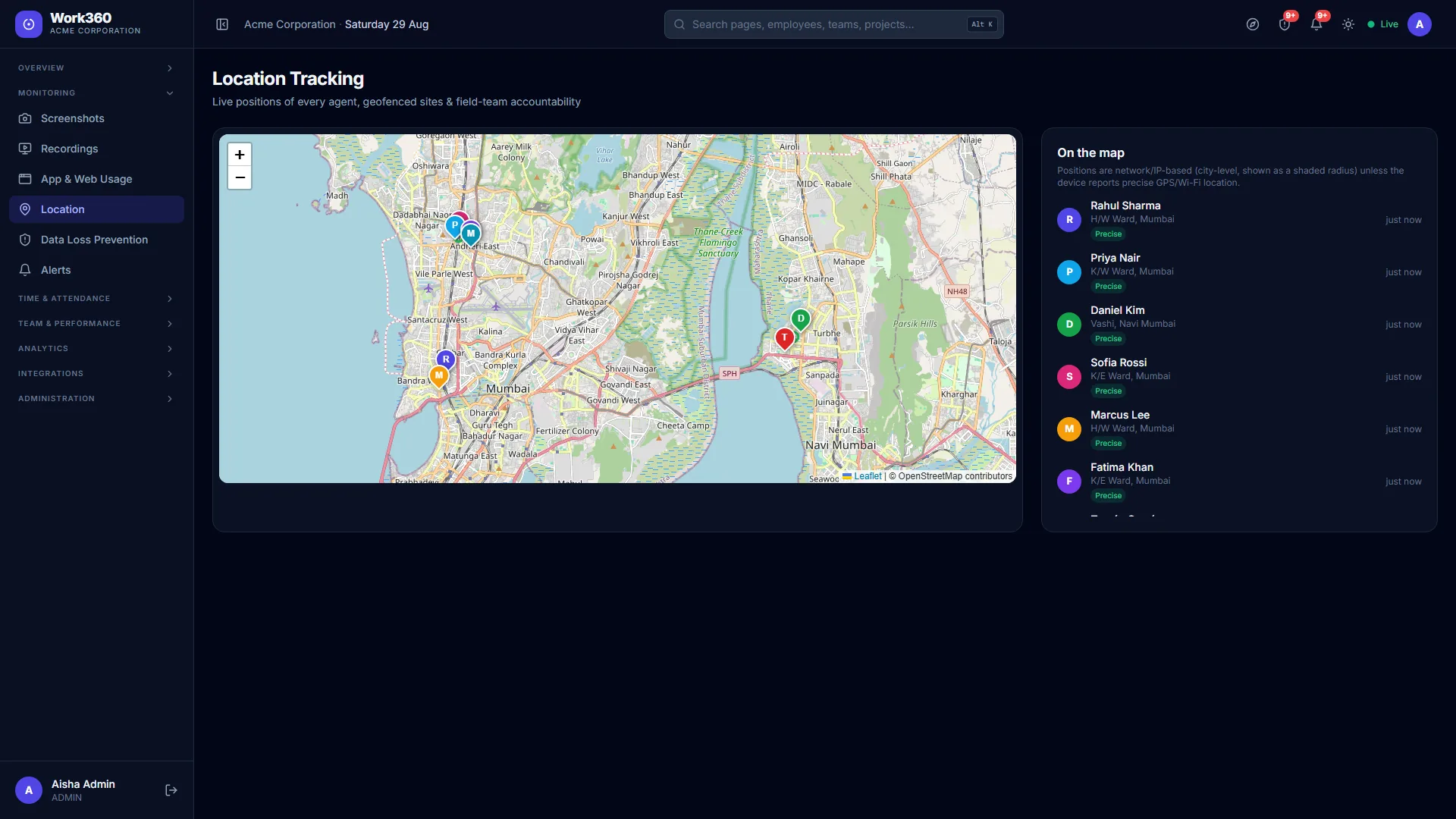
Open any feature for the full detail, with real product screens.
Who uses HRMS
Run the whole lifecycle without spreadsheets.
- Onboarding to exit
- Documents & letters
Payroll-ready numbers you can trust.
- Statutory compliance
- Expenses & loans
Self-service for everything they need.
- Leave & attendance
- Payslips & tax declarations
Questions about HRMS
Can attendance come from our biometric devices?
Yes. Attendance can be captured from biometric devices, the Work360 laptop agent or geofenced check-in, with an org-wide priority order and per-team overrides.
Does it run payroll?
Work360 prepares payroll: attendance, leave, overtime, expenses and loans roll into payroll-ready figures with PF, ESI and TDS, plus payslips and a bank file.
Do employees get self-service?
Yes — leave, attendance, payslips, tax declarations, documents and requests are all self-service.
Is HRMS separate from monitoring?
It is its own module, licensed separately, but shares the same workspace, employee directory and single bill.
Explore other modules
Start with HRMS, add the rest as you grow
Switch modules on per seat, in one workspace and one bill. No credit card to start.
Start your free trial