Remote Assistance
Fix it on their screen, only after they say yes.
An admin requests a remote-assistance session on an employee’s Windows machine; the employee sees who is asking and why and must accept before anything is shared or controlled, and every session is logged end to end.
- 14-day free trial
- No credit card
- Live in minutes
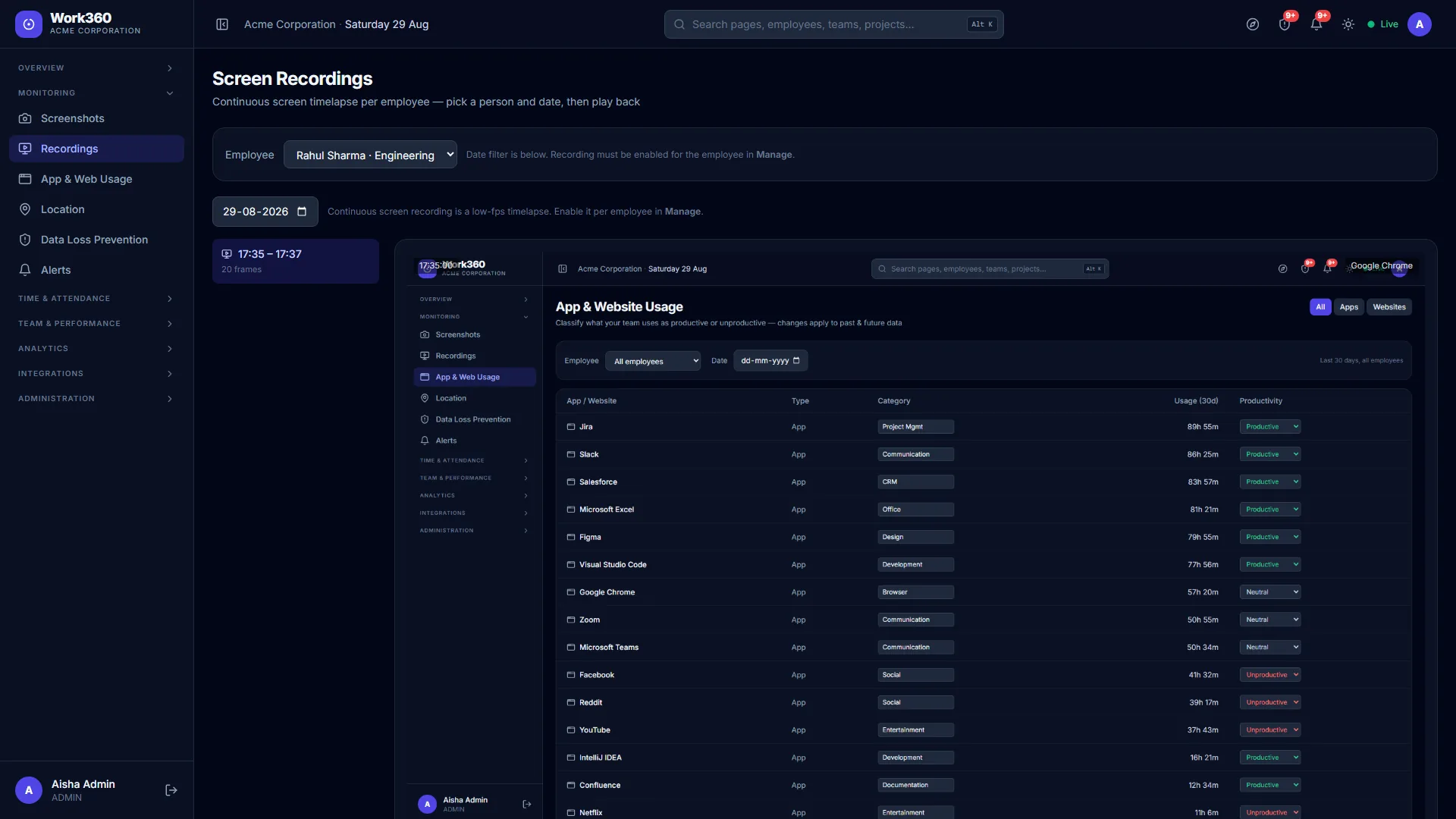
Walking someone through a fix over chat is slow, and asking them to install a third-party remote tool is worse. Work360’s remote assistance works through the agent already on the device: an admin starts a session, the employee gets a clear prompt naming who is asking and why, and nothing happens until they accept.
It is built consent-first and audited. The capability is off unless a platform admin has granted it to the organization, the employee’s acceptance gates every session, and the start and end of each session, and who ran it, are written to the record, so help stays help rather than surveillance.
What you get with Remote Assistance
6 capabilities, ready out of the box.
- 01
Consent before control
The employee sees who is requesting and why, and must accept: there is no silent access.
- 02
Keyboard & mouse control
Take control of the Windows desktop to resolve the issue directly, with the employee watching.
- 03
Dual-gated
Off unless a platform admin enables it per organization, then gated again by the employee’s acceptance.
- 04
Fully logged
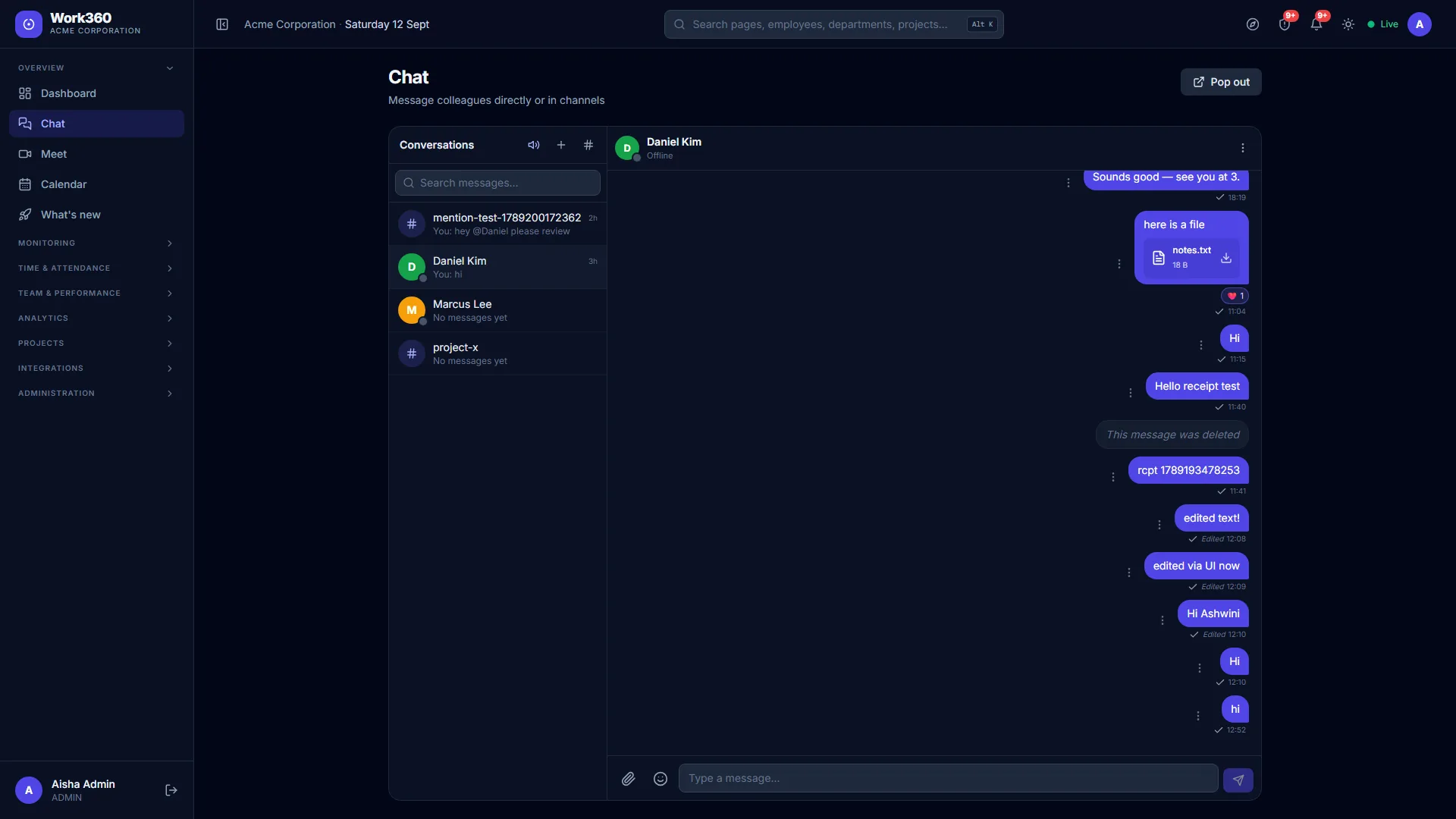
Every session records who started and ended it and when, for a complete audit trail.
- 05
Through the existing agent
No extra software to install: it runs on the Work360 Windows agent already deployed.
- 06
Employee stays in control
The person can see the session is active, and it ends cleanly the moment the work is done.
Who relies on remote assistance
Know where time goes without chasing status updates.
- Team productivity at a glance
- Fair, data-backed reviews
Stop data leaving and spot risky behaviour early.
- DLP alert or enforce
- Insider-risk scoring
One honest picture of output across every team.
- Org-wide trends
- Exportable reports
- Role-based access
- SSO & SAML
- Tenant isolation
- Full audit trail
Ready to see remote assistance in action?
Start a free trial and put Work360 to work across your team in minutes. No credit card to start.